How to install templates on the Supernote A5 X
These steps follow Supernote's own instructions, checked October 6, 2026.
Copy the PDF to the Document folder over USB or through a cloud service, or send it from the Supernote Partner app.
1. Copy the template to your tablet
Choose one of 4 ways.
Over USB
- Connect the Supernote to your computer with a USB-C cable.
- Open the Supernote drive on your computer.
- Drag the PDF into the Document folder.
Through a cloud service
- Upload the PDF to the Document folder in Supernote Cloud, Dropbox or Google Drive.
- Sync your Supernote.
With the Partner app
- Connect your Supernote and your phone to the same Wi-Fi network.
- On the Supernote, go to Settings > My Device > Supernote Linking and turn it on.
- In the Partner app, go to Settings > Supernote Linking and pair your Supernote.
- Tap Transfer Files, choose the PDF and tap Done. It lands in the INBOX folder.
With Browse & Access
- Swipe down from the top of the screen and tap the Browse & Access icon.
- Open the address it shows in a browser on your computer or phone.
- Tap OK on the Supernote, then upload the PDF from the browser.
2. Open the template
- Open the planner from the Document folder, or INBOX if you used the Partner app.
- Write on the page with your pen.
3. Check that the links work
Supernote's help pages don't say whether links inside a PDF work. Many Supernote planners, including ones we review, are sold as linked PDFs. If a tab doesn't respond to the pen, try your finger.
Templates that fit the Supernote A5 X
We haven't reviewed one yet.
Templates made for a tablet with the same screen
These templates list the reMarkable 2, reMarkable 1 or Kobo Elipsa 2E. The Supernote A5 X has the same screen size and resolution, so the pages should fill it too. Toolbars differ between makers, so check that the tabs aren't hidden under yours.
-
01
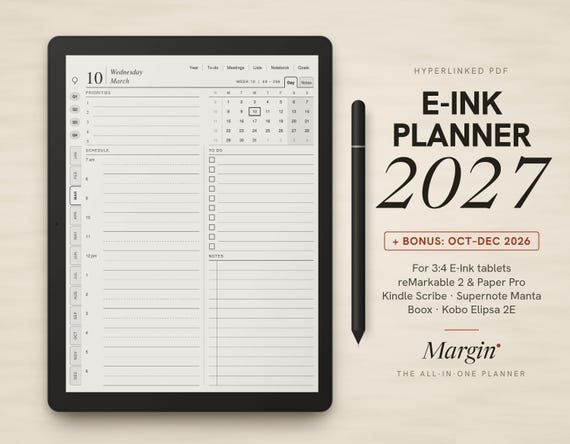
Margin Planner 2027
Margin · marginpaper.com · 2027, plus Oct to Dec 2026
9.5$9.95 -
02
Margin Planner 2027: Great Authors
Margin · marginpaper.com · 2027, plus Oct to Dec 2026
9.2$14.95 -
03
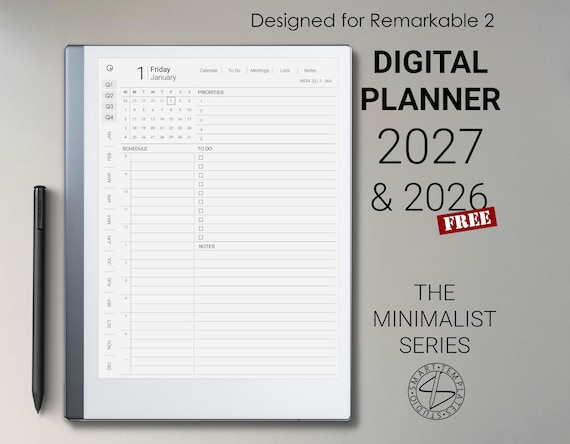
Digital Planner 2026 2027 for reMarkable 2
SmartTemplatesStudio · Etsy · 2026 and 2027
8.6$16.48 -
06
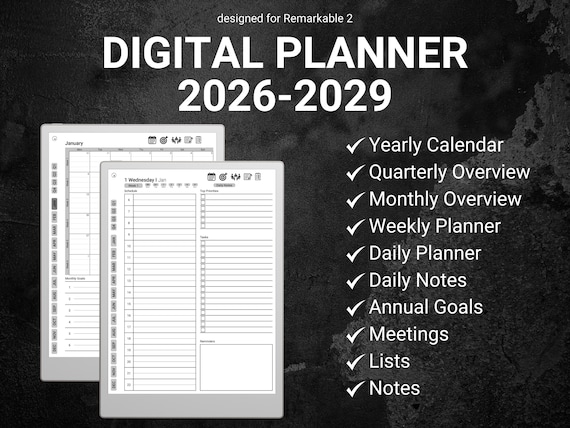
Minimalist Digital Planner 2026–2029
OrganizeDailyDigital · Etsy · 2026 through 2029
8.4$12.49$24.99 -
07
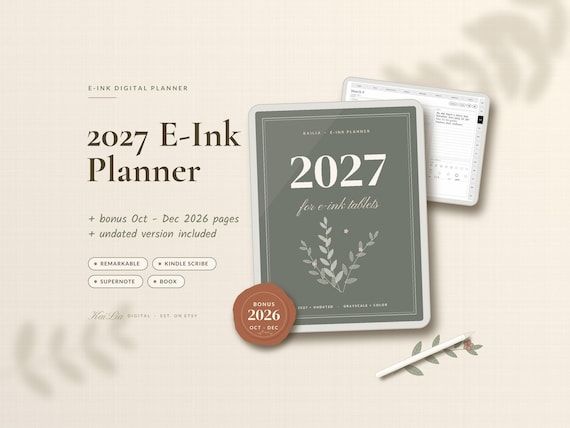
2027 E-Ink Planner
KaiLiaDigital · Etsy · 2027, plus undated
8.3$15.99$31.99 -
11
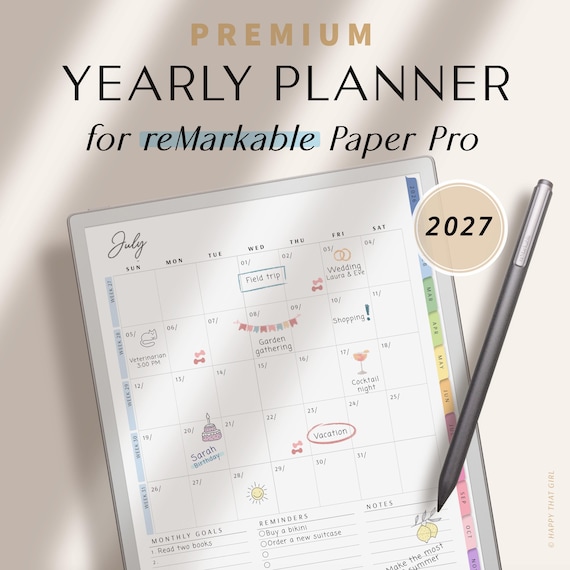
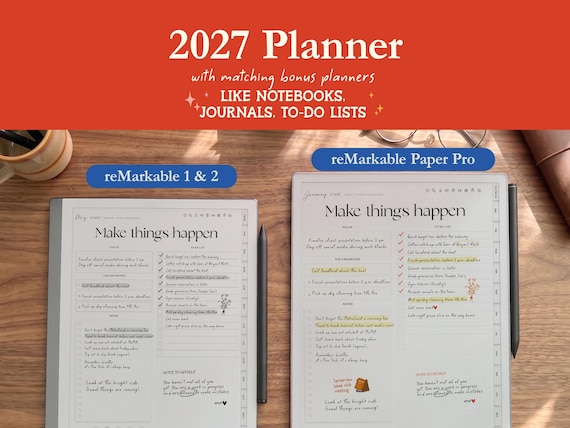
Yearly Planner 2027 for reMarkable
HappyThatGirl · Etsy · 2027
7.4$9.89 -
12
reMarkable 2 Digital Planner 2027
PlannersByKaya · Etsy · 2027, 2026 included
7.3$7.49$14.99 -
13
2027 reMarkable Calendar
PerfectlyPlans · Etsy · 2027
7.2$6.25$8.33


From creators, not reviewed yet
Template makers sent us these for the Supernote A5 X. We checked that each link works, but we haven't reviewed them. Submit yours.