How to install templates on the reMarkable Paper Pure
These steps follow reMarkable's own instructions, checked October 6, 2026.
Import the PDF with reMarkable's desktop or phone app, from a web browser, or over a USB cable. Linked tabs and dates work on the tablet.
1. Copy the template to your tablet
Choose one of 4 ways.
With the desktop app
- Open the reMarkable desktop app on your computer.
- Select Import in the top menu and choose the PDF, or drag the file into the app window.
- The planner syncs to your tablet when both are online.
With the phone app
- Open the reMarkable app and tap Import.
- Choose the PDF.
- Tap Accept to allow file access.
From a web browser
- Go to app.remarkable.com and sign in.
- Drag the PDF into the file list, or select Drag and drop or browse your files.
- Files over 100 MB need the desktop or phone app instead.
Over USB
- Connect the tablet to your computer with a USB cable.
- On the tablet, go to Settings > General settings > Storage > USB web interface and turn it on.
- On your computer, open a browser and go to 10.11.99.1.
- Drag the PDF onto the page. The 100 MB limit applies here too.
2. Open the template
- Open the planner from your files on the tablet.
- Write on any page with the Marker.
3. Check that the links work
reMarkable supports links inside PDFs, so tapping a tab or a date jumps to that page. It added this in software 2.6.
Good to know
- Left-handed mode moves the toolbar to the right edge. If you use it, choose a left-handed planner so the tabs aren't under the toolbar.
Templates that fit the reMarkable Paper Pure
We haven't reviewed one yet.
Templates made for a tablet with the same screen
These templates list the reMarkable 2, reMarkable 1 or Kobo Elipsa 2E. The reMarkable Paper Pure has the same screen size and resolution, so the pages should fill it too. Toolbars differ between makers, so check that the tabs aren't hidden under yours.
-
01
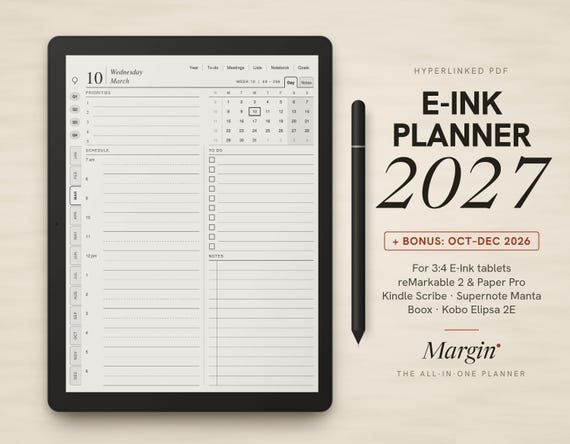
Margin Planner 2027
Margin · marginpaper.com · 2027, plus Oct to Dec 2026
9.5$9.95 -
02
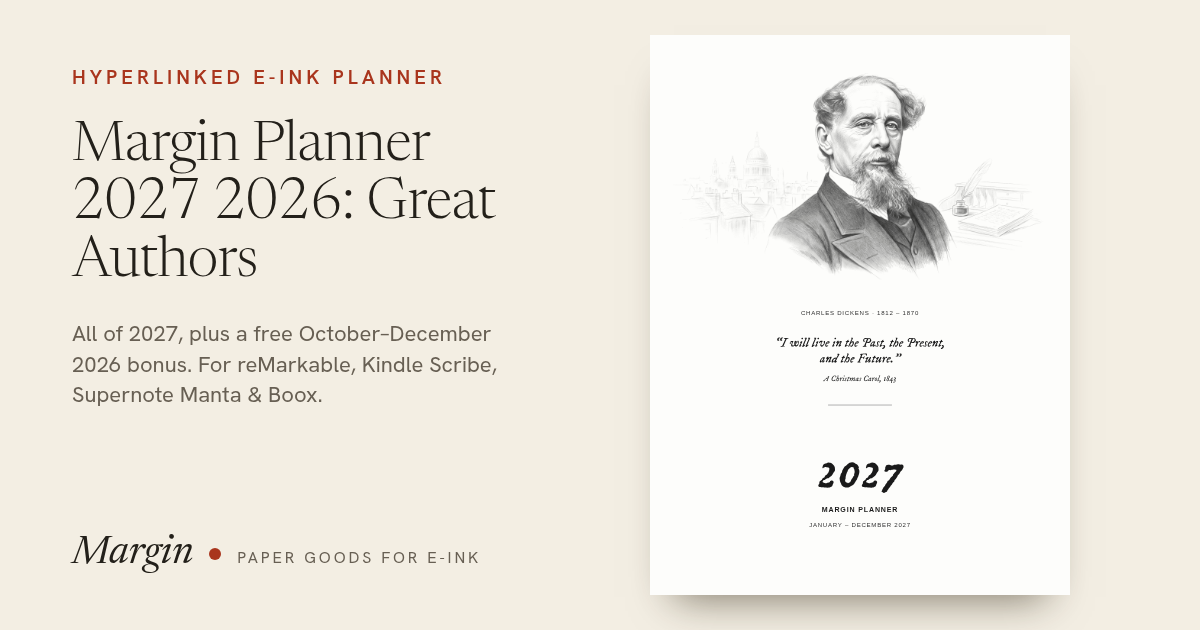
Margin Planner 2027: Great Authors
Margin · marginpaper.com · 2027, plus Oct to Dec 2026
9.2$14.95 -
03
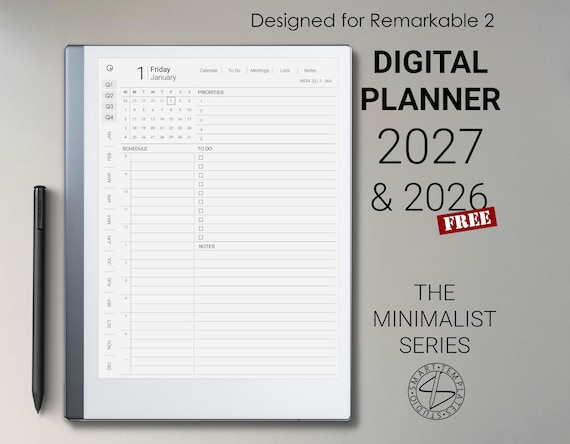
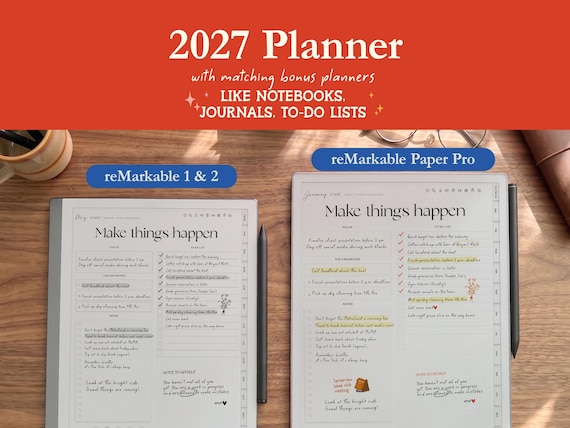
Digital Planner 2026 2027 for reMarkable 2
SmartTemplatesStudio · Etsy · 2026 and 2027
8.6$16.48 -
06
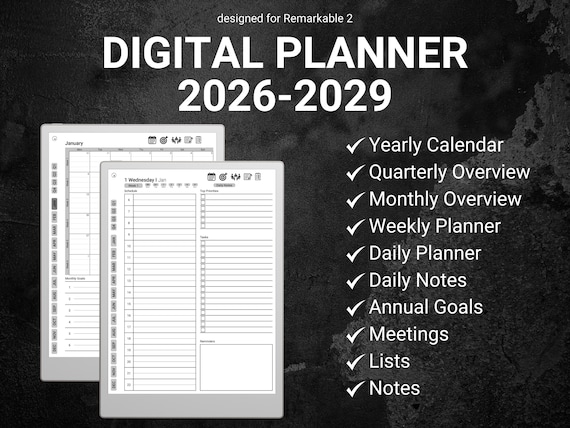
Minimalist Digital Planner 2026–2029
OrganizeDailyDigital · Etsy · 2026 through 2029
8.4$12.49$24.99 -
07
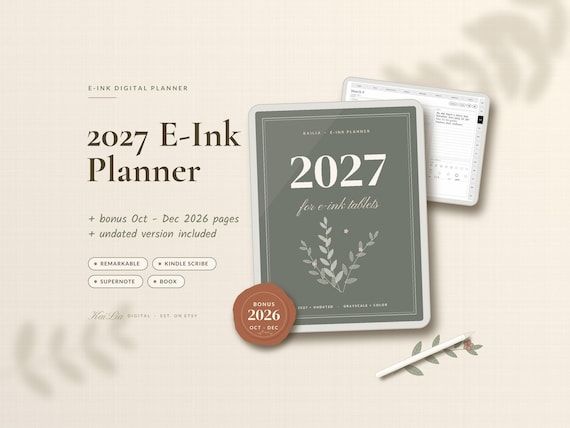
2027 E-Ink Planner
KaiLiaDigital · Etsy · 2027, plus undated
8.3$15.99$31.99 -
11
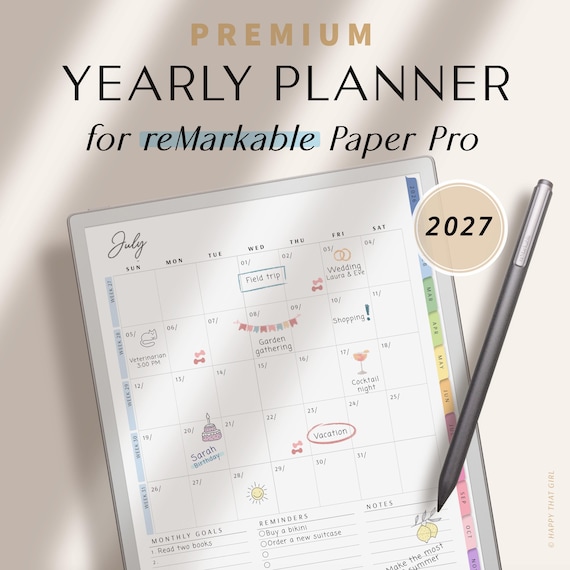
Yearly Planner 2027 for reMarkable
HappyThatGirl · Etsy · 2027
7.4$9.89 -
12
reMarkable 2 Digital Planner 2027
PlannersByKaya · Etsy · 2027, 2026 included
7.3$7.49$14.99 -
13
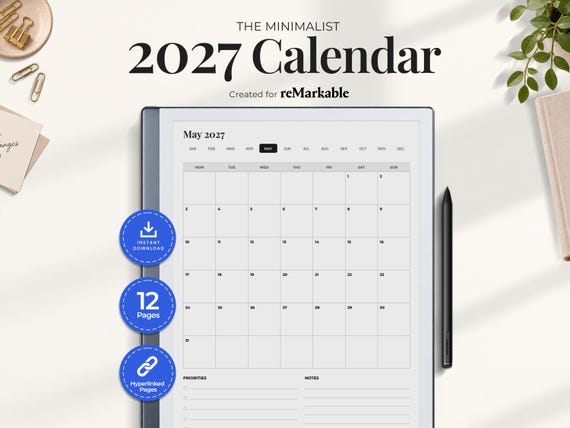
2027 reMarkable Calendar
PerfectlyPlans · Etsy · 2027
7.2$6.25$8.33
From creators, not reviewed yet
Template makers sent us these for the reMarkable Paper Pure. We checked that each link works, but we haven't reviewed them. Submit yours.