Budget books for e-ink tablets
Books for your money: a plan for the month, a log of what you spend, and trackers for bills and savings. We've reviewed 7. Pick your tablet to see only the ones cut to its screen.
Your tablet
Templates are cut to a screen size, so we only show the ones that fit yours.
Another tablet
reMarkable
reMarkable Paper Pure 2reMarkable Paper Pro 1reMarkable Paper Pro Move 2reMarkable 2 3reMarkable 1 0Boox
Boox Note Air6 C 1Boox Note Air5 C 1Boox Note Mini C 0Boox Go 10.3 (Gen II) 0Boox Go 10.3 1Boox Tab X C 0Boox Note Max 1Boox Go 7 1Boox Go Color 7 (Gen II) 1Boox Go 6 (Gen II) 0Boox Palma 2 Pro 0Boox Note Air4 C 0Boox Tab Ultra C Pro 0Boox Note Air3 C 0Boox Tab Mini C 0PocketBook
PocketBook InkPad X Pro 0Huawei
Huawei MatePad Paper 0InkLeaf
InkLeaf 0Template type
Narrow it down
7 budget books
Top rated starts from our score and leans on reader ratings as they come in. How ranking works.
-
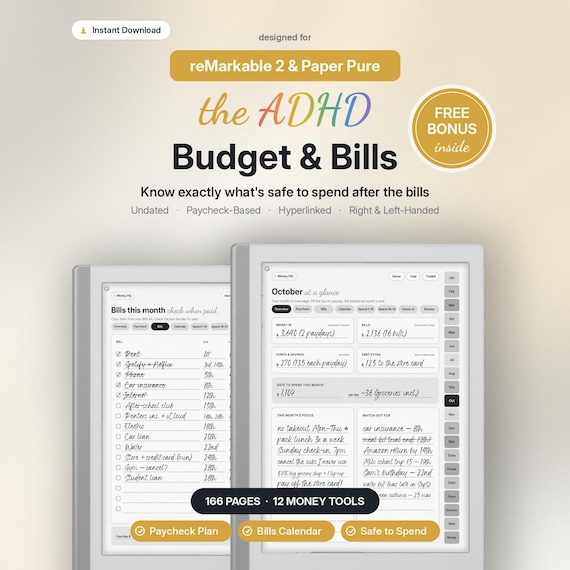
ADHD Budget & Bills Planner$14.99was $24.99
MethodInk · fits 2 tablets
-
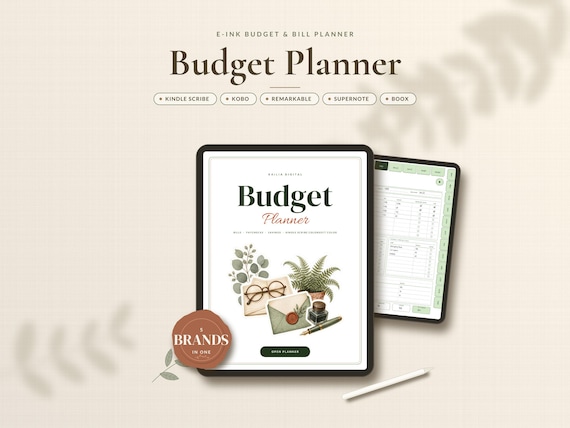
E-ink Budget & Bill Planner$10.49was $14.99
KaiLiaDigital · fits 21 tablets
-
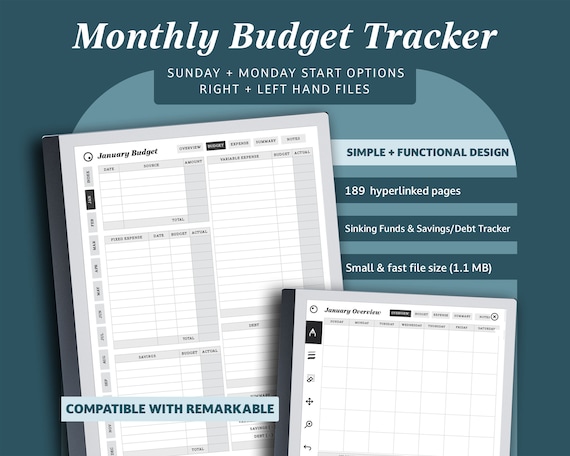
Budget Planner for reMarkable 2$5.96was $7.95
DesignsbyJenaW · fits 1 tablet
-
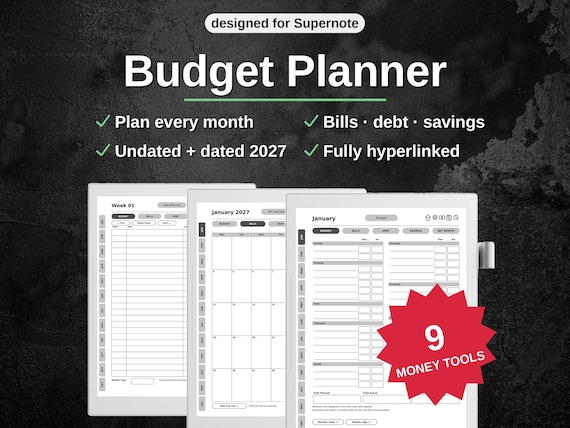
Budget Planner for Supernote$9.99was $19.99
OrganizeDailyDigital · fits 2 tablets
-
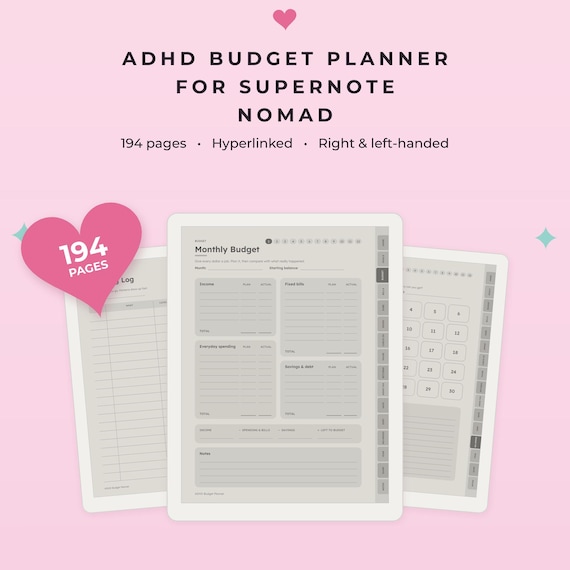
ADHD Budget Planner for Supernote Nomad$8.77was $11.69
WaytoPlan · fits 1 tablet
-
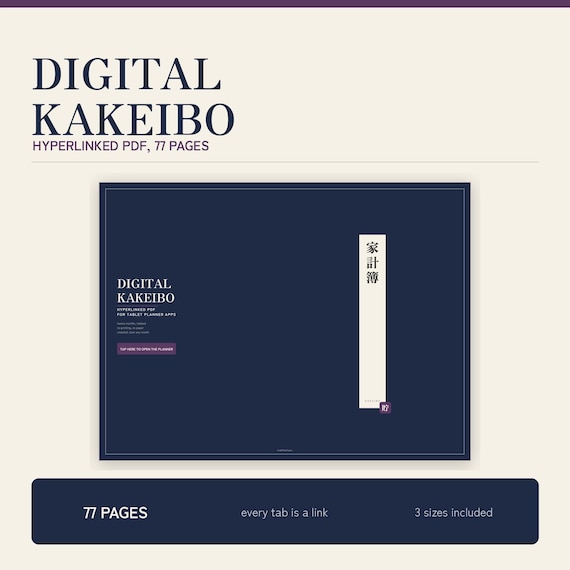
Digital Kakeibo Budget Planner$5.44was $7.25
craftpixelfusion · not sized for one tablet
-
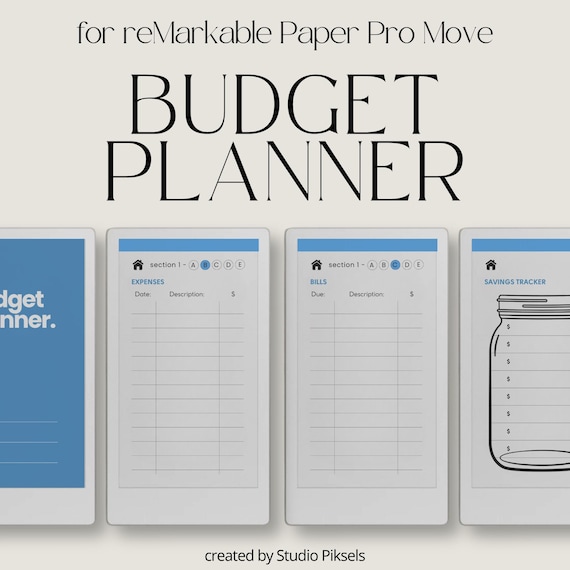
Budget Planner Notebook for Paper Pro Move$3.29was $9.40
StudioPiksels · fits 1 tablet
Nothing matches all of those. Clear a filter or two.
Styles we've written about: Kakeibo
What goes into a budget planner?
A budget planner is a book for your money. You write down what's coming in, decide where it should go, log what you actually spend, and check the two against each other. Around that core, most add trackers for bills, subscriptions, debts and savings goals. None of them link to your bank or add up the numbers for you; you do the sums yourself.
That's why they suit an e-ink tablet. Writing each purchase by hand makes you notice it, and a linked PDF lets you jump from a month's budget to its bills in a tap. Etsy is full of budget templates, but most are drawn for iPad apps or for printing. We looked for ones drawn for e-ink screens, and found more than in any other style we've covered.
- Monthly budget
- Income, fixed and variable costs, savings and debt, each with a planned and an actual column. The page most budget books are built around.
- Paycheck plan
- A page for each payday: which bills it covers, what goes to savings, what's left to spend. Suits people paid every week or two.
- Spending log
- One line per purchase, by the week or the month. The page you'll open most.
- Trackers
- Bills, subscriptions, sinking funds, debt payoff and savings goals, usually once for the whole year.
What to check before you buy
Month or paycheck
If you're paid monthly, a monthly budget is all you need. If you're paid every week or two, look for paycheck pages, or bills will land between plans.
Room in the spending log
Count the lines in the spending log against how often you buy things. Some give a month two pages; others give every week its own.
Contrast on e-ink
Grey page fills and pale colours look calm in the listing photos but cost contrast on e-ink. White pages with grey lines keep your writing in front.
Does it fit your screen?
Screens differ in size and shape, and a few, like the Paper Pro Move, are much narrower than the rest. A file made for one tablet can show wide margins or tiny tabs on another. Pick your tablet above and look for its name in the listing.
Where are the tabs?
The reMarkable toolbar sits on the left, and left-handed mode moves it right. If the tabs share a side with the toolbar, you'll close the toolbar every time you turn the page.
How big is the file?
E-ink tablets open large PDFs slowly, so 2,000 pages can cost you speed. Buy only the sections you'll use.
Hear when one of these goes on sale
One email a month: new reviews, price drops on templates we've covered, and new templates from creators. See what's in it.