How to install templates on the reMarkable Paper Pro Move
These steps follow reMarkable's own instructions, checked October 6, 2026.
Import the PDF with reMarkable's desktop or phone app, from a web browser, or over a USB cable. Linked tabs and dates work on the tablet.
On the reMarkable Paper Pro Move: The Move's screen is tall and narrow (16:9). A planner made for a 10-inch reMarkable shows wide margins on it, so look for a Move version.
1. Copy the template to your tablet
Choose one of 4 ways.
With the desktop app
- Open the reMarkable desktop app on your computer.
- Select Import in the top menu and choose the PDF, or drag the file into the app window.
- The planner syncs to your tablet when both are online.
With the phone app
- Open the reMarkable app and tap Import.
- Choose the PDF.
- Tap Accept to allow file access.
From a web browser
- Go to app.remarkable.com and sign in.
- Drag the PDF into the file list, or select Drag and drop or browse your files.
- Files over 100 MB need the desktop or phone app instead.
Over USB
- Connect the tablet to your computer with a USB cable.
- On the tablet, go to Settings > General settings > Storage > USB web interface and turn it on.
- On your computer, open a browser and go to 10.11.99.1.
- Drag the PDF onto the page. The 100 MB limit applies here too.
2. Open the template
- Open the planner from your files on the tablet.
- Write on any page with the Marker.
3. Check that the links work
reMarkable supports links inside PDFs, so tapping a tab or a date jumps to that page. It added this in software 2.6.
Good to know
- Left-handed mode moves the toolbar to the right edge. If you use it, choose a left-handed planner so the tabs aren't under the toolbar.
Templates that fit the reMarkable Paper Pro Move
-
04
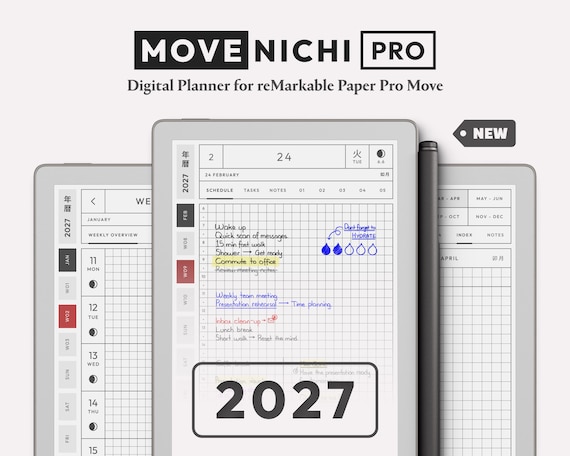
Movenichi PRO 2027
novaMarkable · Etsy · 2027
8.5$26.57$53.15 -
07
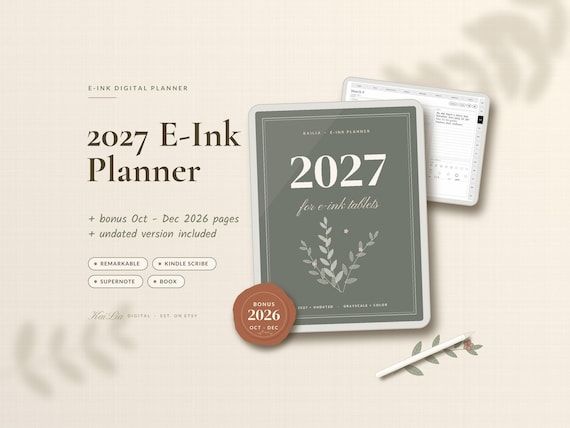
2027 E-Ink Planner
KaiLiaDigital · Etsy · 2027, plus undated
8.3$15.99$31.99
From creators, not reviewed yet
Template makers sent us these for the reMarkable Paper Pro Move. We checked that each link works, but we haven't reviewed them. Submit yours.